
01 · LEADS
Lead Finder & Prioritisation
Build and organise a prospect list, search businesses and work from a ranked call queue instead of an unstructured spreadsheet.
A complete lead-generation and call-management system for businesses that actively reach out to new customers. Find prospects, control your call queue, identify returning callers, track follow-ups, preserve call history and keep the sales pipeline organised from one private dashboard.
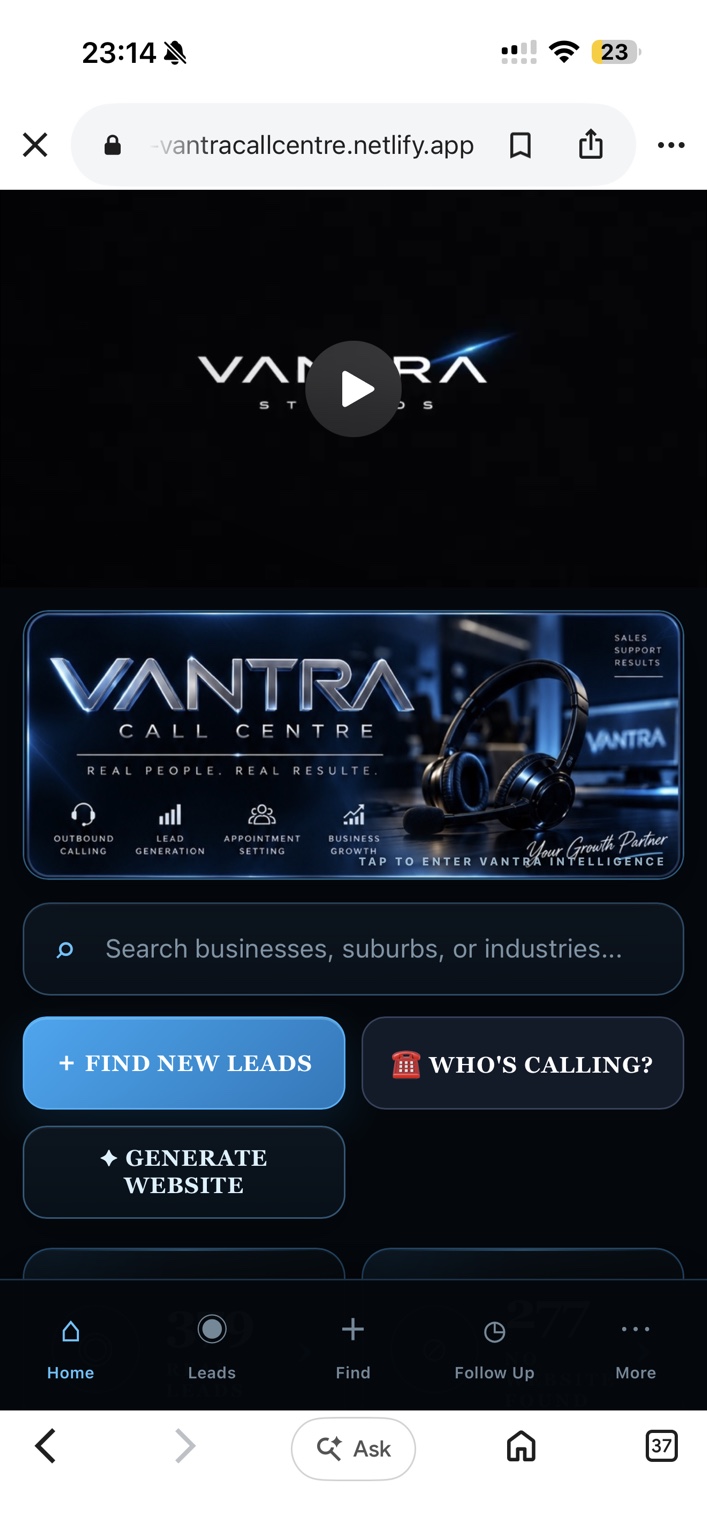
Vantra Call Centre replaces scattered spreadsheets, phone notes and disconnected follow-up lists with a structured operating system for prospecting. It is designed around the real problems that appear once outbound volume starts increasing: duplicate calls, forgotten callbacks, lost notes and unclear next actions.
Build and organise a prospect list, search businesses and work from a ranked call queue instead of an unstructured spreadsheet.
Enter an incoming phone number and Vantra searches the lead database for the matching business, notes, status and previous call outcome.
Call eligibility is checked at phone-number level so duplicate business records do not create duplicate cold calls.
A No Answer result leaves the current session and is held for a full 24 hours from the exact call time before it can return for retry.
Move opportunities into dedicated Interested and Follow-Up pipelines with next actions, contact details, notes and follow-up dates.
Keep contact name, email, address, conversation notes, objections, requested services, preview links and contact history attached to the prospect.
Rejected numbers enter a durable suppression ledger so they stay out of fresh calling, follow-ups and future imports.
For agencies and web sellers, attach a live website preview to a prospect and keep the opportunity connected to the same CRM record.
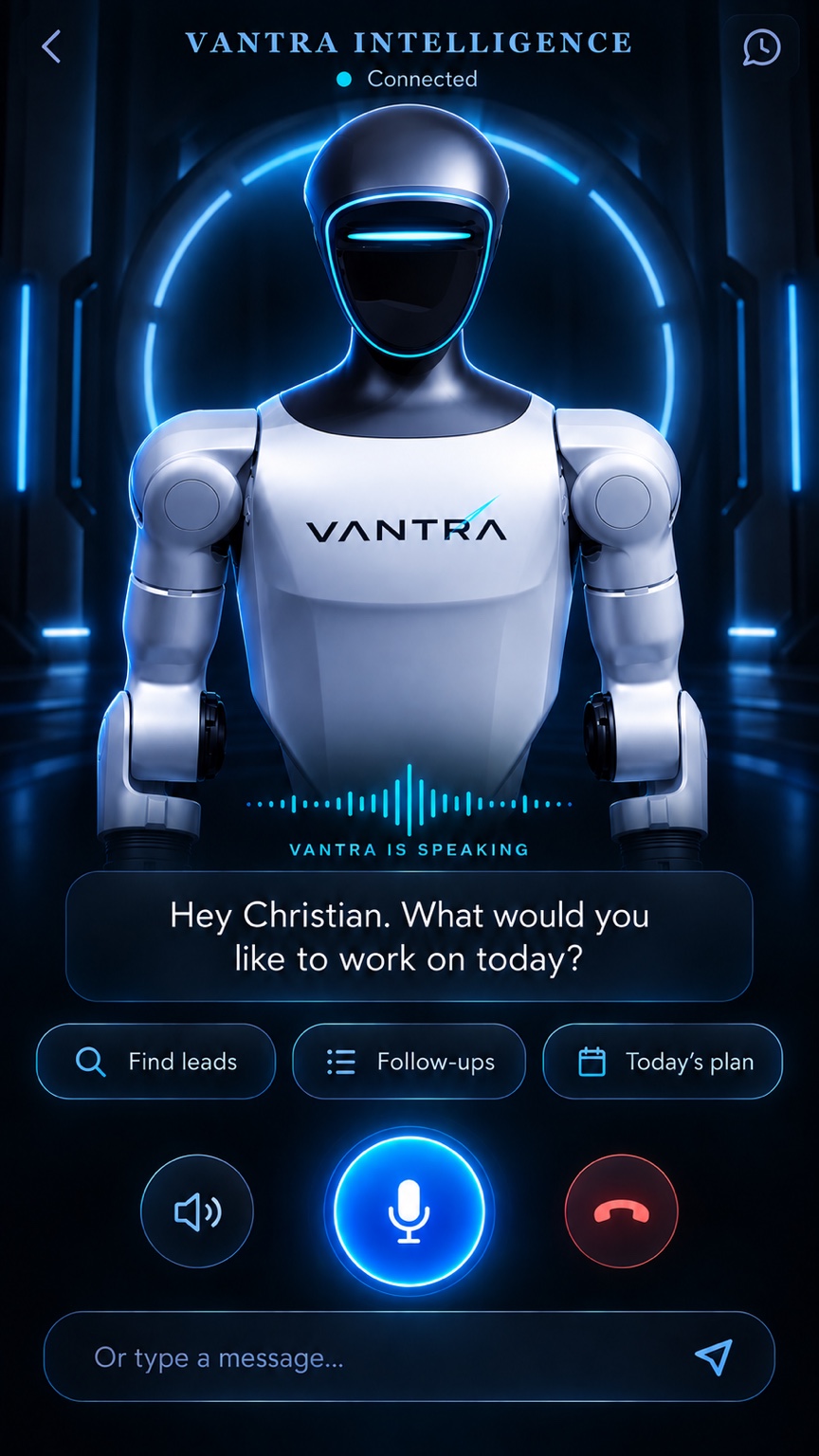
An integrated AI assistant can use CRM context to help with prospect information, workflow questions and next actions when configured with a compatible AI provider.
Optional enrichment and email workflows can help locate business email addresses and prepare outreach while respecting suppression states.
Track researched Facebook prospects, messaging stages and follow-ups while keeping actual sending under the user's control.
Designed for mobile use with installable PWA support, backup/restore tools and a private access layer for operational data.
The live mobile dashboard is designed for fast daily use. Vantra Intelligence and the Call Centre visual environment support the product identity, while the operational CRM remains focused on leads, calls, outcomes and follow-ups.

The system is built around a simple rule: every prospect should have a clear state and every call should have a clear outcome.
Add or discover prospective businesses and prepare the next call list.
Work through a phone-deduplicated queue and record the outcome immediately.
Interested prospects, callbacks and future opportunities move into dedicated pipelines.
Keep client details, activity history and sales status together rather than losing the relationship after the call.
Designed for owner-operators, agencies, appointment setters and outbound sales teams that want a dedicated system without building one from the ground up.
See the software before making a decision. Request a walkthrough and we can show you exactly how the workflow operates.
Vantra Call Centre is a workflow and CRM system. It is designed to make outbound sales organised and accountable without pretending the software itself replaces the human conversation.
No. Calls remain under your control through your phone or chosen telephony service unless a separate integration is added. Vantra manages the prospect, queue, outcome and follow-up workflow.
Yes. The interface is mobile-first and can operate as an installable web app/PWA on supported devices.
No Answer calls are removed from the current session and held for at least 24 hours from the exact call timestamp before becoming eligible for retry.
Cold-call eligibility is evaluated by normalised phone number, not simply by database row, and previous outcomes can block duplicate records from entering the fresh queue.
Yes. Who's Calling? searches the stored lead database and displays matching business records and available CRM context without changing their call status.
Private deployments can be protected behind a password access layer. Operational data remains separated from the public Vantra Studios sales page.
See Vantra Call Centre working before you decide. We'll walk through the dashboard, lead workflow, caller lookup, follow-up system and private setup.